


|
Name |
DevCheck |
|---|---|
|
Google Play Link |
GET IT ON
Google Play
|
|
Category |
Tools |
|
Developer |
flar2 |
| Last version | 6.50 |
|
Updated |
|
|
Compatible with |
Android 7.1+ |
Introduction to DevCheck MOD APK
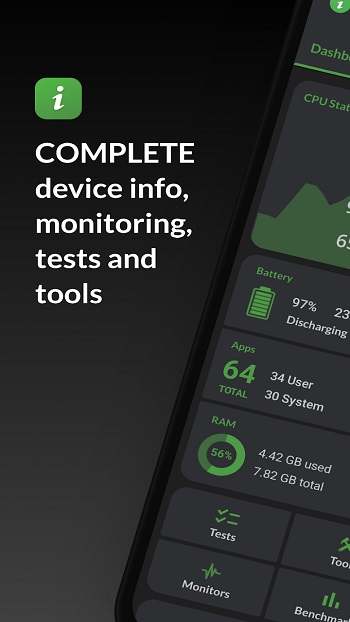
DevCheck MOD is an Android system information app made for checking what is really happening inside your phone. It shows hardware, software, battery, camera, network, sensor, and performance details in one clean place. For anyone who likes knowing why their phone heats up, charges slowly, or performs differently during heavy use, this app gives clear answers without making things feel too technical.
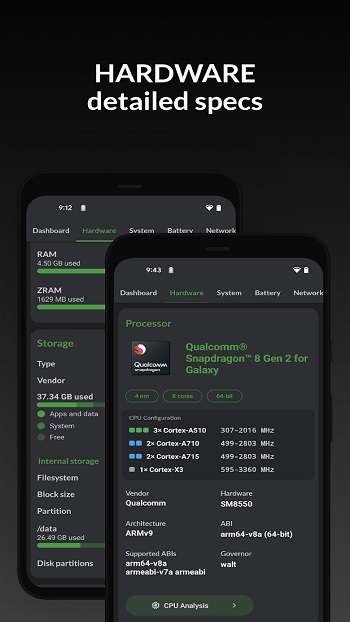
The main use of DevCheck MOD APK is device monitoring. It helps you view CPU activity, GPU data, RAM usage, storage details, screen specs, Android version, kernel info, and battery status. You can also check real-time temperature, charging current, voltage, battery health, and power input. That makes it useful when testing a charger, checking phone performance, or trying to understand why a device feels slower than usual.
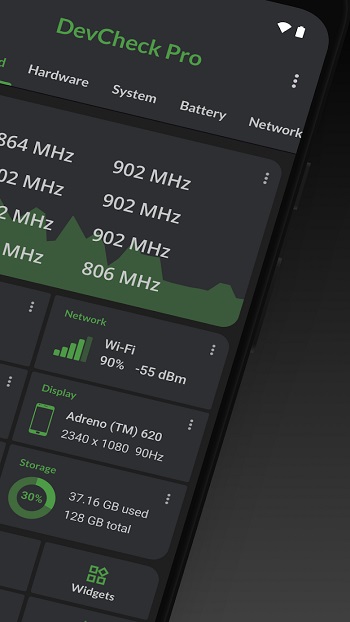
One of its strongest parts is real-time monitoring. Floating monitors can show live stats over other apps, so gamers, testers, and repair users can watch CPU frequency, battery temperature, network activity, and other details while using the phone normally. It is handy during gaming sessions, benchmark tests, charging tests, or app troubleshooting. Think of it like a small dashboard for your phone, minus the confusing lab-coat energy.
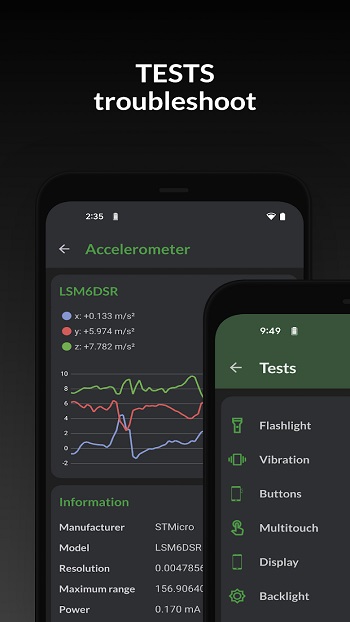
DevCheck MOD also gives detailed camera and sensor information. It can show camera specs such as megapixels, aperture, focal length, focus modes, RAW support, ISO range, and image formats. Sensor data is shown with real-time readings too, including gyroscope, proximity, light, accelerometer, and more. This is useful for buyers checking a used phone, creators comparing camera hardware, or anyone who wants details that many phone settings menus never show.
The app is also helpful for spotting suspicious or mislabeled devices. Since it displays internal hardware details, users can compare the actual CPU, GPU, RAM, storage, camera, and system data with the phone’s advertised specs. This makes DevCheck MOD useful when buying secondhand phones, testing refurbished devices, or checking if a charger really delivers the promised wattage. It gives practical info before money, time, or patience gets wasted.
There are some limits to keep in mind. Some advanced details may depend on the device, Android version, permissions, root access, or system support. Certain chipset or manufacturer data may not always appear clearly. MOD versions can also carry privacy and security risks when downloaded from unofficial sources, so users should be careful and understand what they are installing. The app gives strong information, but it cannot repair hardware problems by itself.
DevCheck MOD APK is suitable for gamers, phone reviewers, repair technicians, used-phone buyers, beta testers, and curious Android users. It is most useful when checking battery health, testing fast charging, monitoring heat during games, confirming hardware specs, reviewing camera details, or diagnosing basic device behavior. It turns hidden phone data into readable information, which makes troubleshooting feel much less like guessing.
FAQs DevCheck
What is DevCheck MOD APK used for?
+
DevCheck MOD APK is used to monitor Android hardware and system details, including CPU, GPU, RAM, battery, storage, camera, sensors, network, and software information.
Who should use DevCheck MOD?
+
DevCheck MOD is useful for gamers, phone testers, repair technicians, secondhand phone buyers, reviewers, and Android users who want clear device information.
Can DevCheck MOD help check battery health?
+
Yes. DevCheck MOD can show battery temperature, voltage, current, charging rate, health status, capacity, and power input, which helps users spot charging or battery issues.
Does DevCheck MOD show camera specifications?
+
Yes. It can display detailed camera data such as resolution, aperture, focal length, ISO range, focus modes, RAW support, image formats, and other hardware-level details.
What are the main risks of using DevCheck MOD APK?
+
The main risks come from unofficial MOD APK files, which may be unsafe, outdated, or modified. Some features may also depend on phone model, permissions, or Android version.
Discover More Interesting Apps
-
 Mod
Mod
Nzb360
v24.4
18.09 Mb
Updated -
App Hider
v3.10.3_2d4907935
35.50 Mb
Updated -
iGOT Karmayogi
v5.0.0
46.32 Mb
Updated -
Mod
Lexis Audio Editor
v1.4.237
45.36 Mb
Updated -
TunnelBear VPN
v5.0.6
20.00 Mb
Updated -
Mod
Seal
v2.3.2
121.34 Mb
Updated -
Mod
Ad Blocker
v7.6.0
10.00 Mb
Updated -
Mod
Zero Cleaner
v26.8.1
8.09 Mb
Updated -
Mod
PigeonCast
v3.6.0
57.49 Mb
Updated -
Mod
Hotspot Shield
v11.18.0
72.00 Mb
Updated










Share Your Thoughts